Writing docs and adding images
Chinese pages live in docs/*.md; English pages in docs/en/*.md. Use matching filenames for counterparts. scripts/prepare_docs.py stages independent language sites under _build/ without modifying sources.
Add or update a translation
Translate title, parent, headings, prose, and captions. Keep commands, configuration keys, and filenames unchanged. English parent must match the English parent page’s title. Update heading anchors after translating headings.
Each English page needs an entry in docs/translations.json with source_sha256 and coverage (full or summary). Calculate the original’s revision:
shasum -a 256 docs/quick-start.md
Update that revision only after synchronizing the translation. Changed Chinese sources show Translation update pending on the English page until then. Missing English counterparts lead to the English home page with a Chinese tooltip.
Shared images
Put images in docs/assets/images/: PNG for screenshots, JPG/WebP for photos, SVG for diagrams. Use lowercase English filenames with hyphens. Chinese top-level pages use assets/images/...; English pages use assets/images/...:
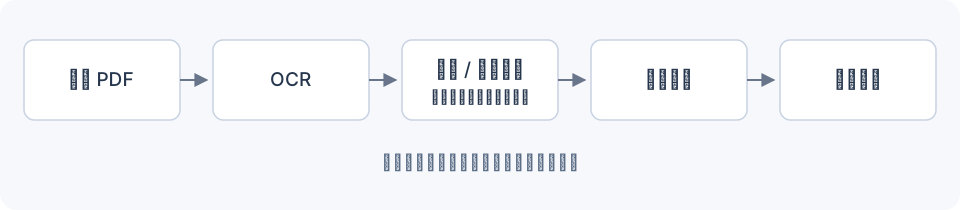

The build rewrites English asset paths for the staged site. Explain Chinese screenshot labels in English captions, or add separate *-en.png screenshots. Avoid computer absolute paths. For width or lazy loading:
<img src="assets/images/pipeline-overview.svg"
     alt="Pipeline overview" width="800" loading="lazy">
Navigation and contents
Add front matter:
---
title: A new reference page
parent: Reference and design
nav_order: 4
---
nav_order controls sibling order. For a table of contents:
## On this page
{: .no_toc }

1. TOC
{:toc}
Mermaid fenced blocks render on GitHub and the site. The site loads Mermaid from jsDelivr; use SVG/PNG for offline or fixed rendering. Commit Markdown and images together. See Pages publishing.